Tuesday, March 1, 2016
Saturday, February 13, 2016
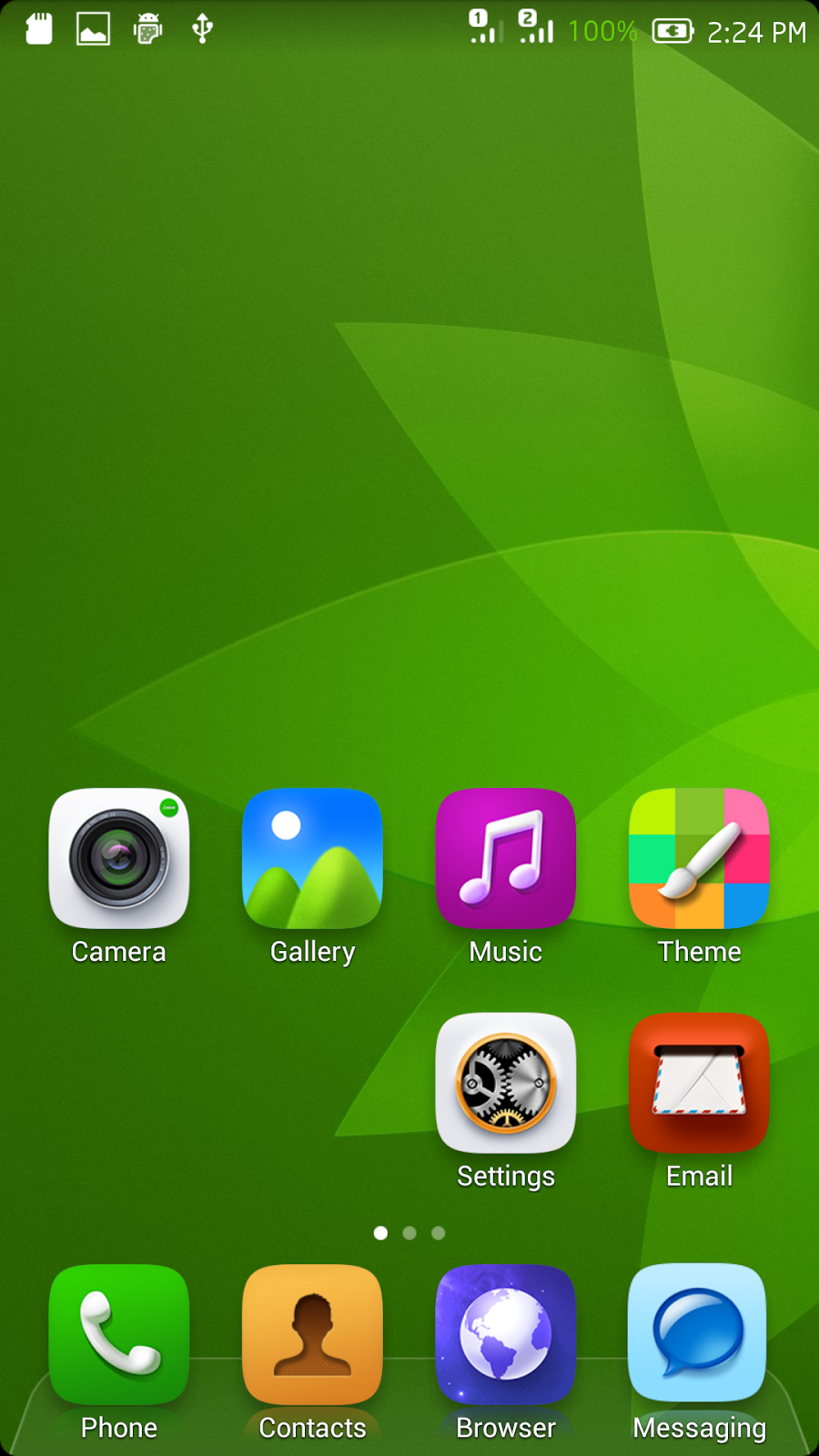
LeEco Le1S Stock Firmware (PreRooted and TWRP PreInstalled)
Stock Firmware of LeTv Le1S x507 Rooted and TWRP Installed......
Download Link
Flash using SP Flash Tools Only........
Enjoy..................
Monday, February 8, 2016
LeTV Le1s x507 TWRP RECOVERY & ROOT
(INDIAN VERSION)
SOLVED............... 100% SAFE & TESTED.......
NOTE: THOSE WHO USED KINGROOT OR IROOT OR ANY OTHER APP TO ROOT THEIR MOBLE.....
A) THOSE WHO WERE SUCCESSFUL
Wipe DATA, DALVIK AND CACHE prior to installing TWRP Recovery
a) Download TWRP Recovery from here and extract it to the base of internal memory
b) Install Flashify from PlayStore
c) Take backup of ur kernel and recovery using flashify app and dump it as a backup on pc/laptop for future use
d) Flash TWRP Recovery from flashify
B) THOSE WHO WERE UNSUCCESSFUL
a) Follow the below mentioned method.....
HOW TO INSTALL TWRP RECOVERY TO LETV LE1S X507 (INDIAN VERSION)
Step 1: Download Section
Step 2: Unlocking Bootloader procedure
NOW THE BOOTLOADER IS UNLOCKED............
Step 3: Note : If u r struck in BOOTLOOP or TWRP Recovery failed by Flashify..... Just dont worry.... Badey Badey Deshon mein aisi CHOTI CHOTI batein hoti rehti hain..........otherwise proceed to Step 4
Step 4: Rooting
NOTE: THOSE WHO USED KINGROOT OR IROOT OR ANY OTHER APP TO ROOT THEIR MOBLE.....
A) THOSE WHO WERE SUCCESSFUL
Wipe DATA, DALVIK AND CACHE prior to installing TWRP Recovery
a) Download TWRP Recovery from here and extract it to the base of internal memory
b) Install Flashify from PlayStore
c) Take backup of ur kernel and recovery using flashify app and dump it as a backup on pc/laptop for future use
d) Flash TWRP Recovery from flashify
B) THOSE WHO WERE UNSUCCESSFUL
a) Follow the below mentioned method.....
HOW TO INSTALL TWRP RECOVERY TO LETV LE1S X507 (INDIAN VERSION)
Step 1: Download Section
- Adb Tools
- SP Flash Tools (v5.1532)
- (Now Tested and 100% Safe)TWRP Recovery, User Data and scatter file (ENGLISH WORKING)......................UPDATED
- Superuser zip file
- Windows adb drivers
- Those who want to revert back to STOCK RECOVERY can download it from HERE... and flash it using SP Flash tools or Flashify....
Step 2: Unlocking Bootloader procedure
- Go to mobile settings >> About Phone >> tap Version 7 Times and hit back
- U will have a new option just above the About Phone option called " Developer Options", open it and select USB Debugging
- Connect the mobile with pc through USB cable
- Install drivers from the already downloaded file from Step 1
- Extract tools.rar and open extracted folder...........Keep pressing shift key and right click and select open command window from here and use the following commands except quotes
a) Type "adb reboot bootloader"
b) After it reboots
c) Type "fastboot oem unlock"
d) Let the process complete
b) After it reboots
c) Type "fastboot oem unlock"
d) Let the process complete
NOW THE BOOTLOADER IS UNLOCKED............
Step 3: Note : If u r struck in BOOTLOOP or TWRP Recovery failed by Flashify..... Just dont worry.... Badey Badey Deshon mein aisi CHOTI CHOTI batein hoti rehti hain..........otherwise proceed to Step 4
- Download the files from Download Section.
- Extract all rar files to repective folder
- Open SP Flashtool and select the scatter file from the extracted folder
- Select Download Agent as DA_PL.bin
- Click Download and Flash phone
- Enter Recovery by pressing VOL+ & Power Keys
- Go to Wipe, Format Data, Go to Advance wipe, Select Dalvik Cache & Cache and Wipe.
- Restart the phone normally (System)
Step 4: Rooting
- Copy the superuser.zip to internal memory and power off the phone.
- Go to recovery by pressing Power + Volup Keys..... as soon as the logo appears let go both the keys
- Install superuser.zip and reboot to system
Enjoy
Both TWRP Recovery and Root Working
- See more at:
http://forum.letv.com/in/index.php?threads/100-safe-100-working-twrp-recovery-root-for-letv-le1s-x507-indian-version.1019/#sthash.9TH2Pdg6.dpufBoth TWRP Recovery and Root Working
SOLVED............... 100% SAFE &
TESTED.......
NOTE: THOSE WHO USED KINGROOT OR IROOT OR ANY OTHER APP TO ROOT THEIR MOBLE.....
A) THOSE WHO WERE SUCCESSFUL
Wipe DATA, DALVIK AND CACHE prior to installing TWRP Recovery
a) Download TWRP Recovery from here and extract it to the base of internal memory
b) Install Flashify from PlayStore
c) Take backup of ur kernel and recovery using flashify app and dump it as a backup on pc/laptop for future use
d) Flash TWRP Recovery from flashify
B) THOSE WHO WERE UNSUCCESSFUL
a) Follow the below mentioned method.....
HOW TO INSTALL TWRP RECOVERY TO LETV LE1S X507 (INDIAN VERSION)
Step 1: Download Section
NOTE: THOSE WHO USED KINGROOT OR IROOT OR ANY OTHER APP TO ROOT THEIR MOBLE.....
A) THOSE WHO WERE SUCCESSFUL
Wipe DATA, DALVIK AND CACHE prior to installing TWRP Recovery
a) Download TWRP Recovery from here and extract it to the base of internal memory
b) Install Flashify from PlayStore
c) Take backup of ur kernel and recovery using flashify app and dump it as a backup on pc/laptop for future use
d) Flash TWRP Recovery from flashify
B) THOSE WHO WERE UNSUCCESSFUL
a) Follow the below mentioned method.....
HOW TO INSTALL TWRP RECOVERY TO LETV LE1S X507 (INDIAN VERSION)
Step 1: Download Section
- Adb Tools
- SP Flash Tools (v5.1532)
- (Now Tested and 100% Safe)TWRP Recovery, User Data and scatter file (ENGLISH WORKING)......................UPDATED
- Superuser zip file
- Windows adb drivers
- Those who want to revert back to STOCK RECOVERY can download it from HERE... and flash it using SP Flash tools or Flashify....
Step 2: Unlocking Bootloader procedure
- Go to mobile settings >> About Phone >> tap Version 7 Times and hit back
- U will have a new option just above the About Phone option called " Developer Options", open it and select USB Debugging
- Connect the mobile with pc through USB cable
- Install drivers from the already downloaded file from Step 1
- Extract tools.rar and open extracted folder...........Keep pressing shift key and right click and select open command window from here and use the following commands except quotes
a) Type "adb reboot
bootloader"
b) After it reboots
c) Type "fastboot oem unlock"
d) Let the process complete
b) After it reboots
c) Type "fastboot oem unlock"
d) Let the process complete
NOW THE BOOTLOADER IS UNLOCKED............
Step 3: Note : If u r struck in BOOTLOOP or TWRP Recovery failed by Flashify..... Just dont worry.... Badey Badey Deshon mein aisi CHOTI CHOTI batein hoti rehti hain..........otherwise proceed to Step 4
- Download the files from Download Section.
- Extract all rar files to repective folder
- Open SP Flashtool and select the scatter file from the extracted folder
- Select Download Agent as DA_PL.bin
- Click Download and Flash phone
- Enter Recovery by pressing VOL+ & Power Keys
- Go to Wipe, Format Data, Go to Advance wipe, Select Dalvik Cache & Cache and Wipe.
- Restart the phone normally (System)
Step 4: Rooting
- Copy the superuser.zip to internal memory and power off the phone.
- Go to recovery by pressing Power + Volup Keys..... as soon as the logo appears let go both the keys
- Install superuser.zip and reboot to system
Saturday, March 1, 2014
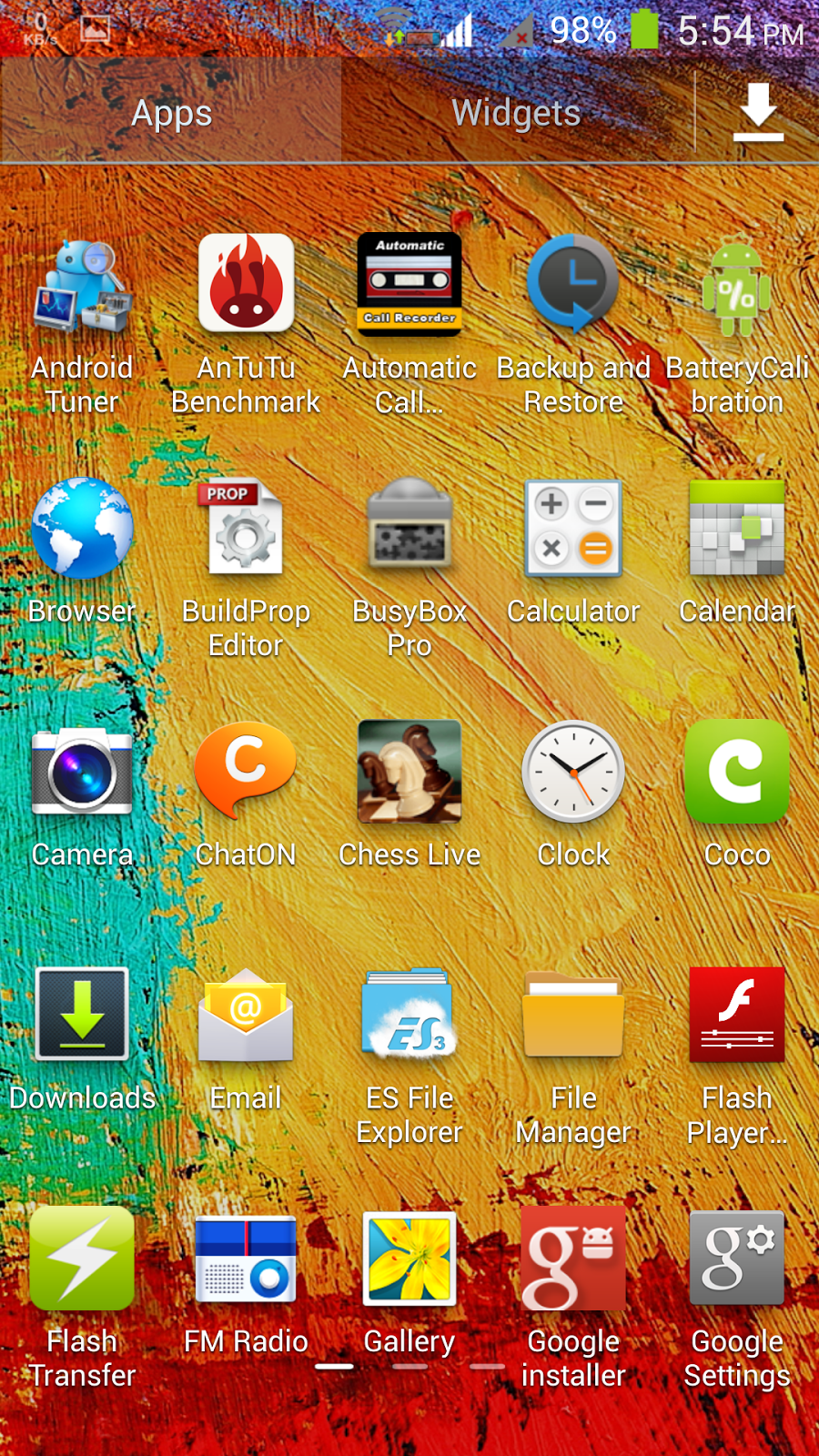
Iberry N1 ChoChweetROM Note3
S-Note Working
Awesome battery life...
BASED ON Mlias MX68 FIRMWARE
Deodexed & Zipaligned
Full Root
SuperSU
1, Dual Sim Dual standby working
2, SMS Working
3, Bluetooth Working
4, wifi working
5, Normal camera
6, Note 3 lock screen
7, Sound working
8, vibration normal
9, 3G working
10,GPS working
11 Radio working
12,Flashlights normal
13 Working storage mount
14,Compass working
2, SMS Working
3, Bluetooth Working
4, wifi working
5, Normal camera
6, Note 3 lock screen
7, Sound working
8, vibration normal
9, 3G working
10,GPS working
11 Radio working
12,Flashlights normal
13 Working storage mount
14,Compass working
Bugs:
Nothing yet
Total Size 381 MB
Download
Password : yaasurom_jyrj
INSTALL
Extract all 4 parts into one file and install it using recovery
Make a backup of your current ROM
Download ChoChweet ROM Note 3 and place on sd or external sd card (remember where you put it)
Boot cwm recovery
Wipe Data/Cache/Dalvik (IMPORTANT)
Mounts Storage and Format System, Format Data AND Format cache (IMPORTANT)
Flash ChoChweetROM Note 3
Wait until it installation finishes then Reboot phone. First install will take some time as it is building cache
Enjoy !!!!
Saturday, October 19, 2013
ChoChweetROMv1.7 CyanogenMod Basic Lite
ChoChweetROMv1.7 CyanogenMod Basic
CHANGELOG 1.7 CyanogenMod Basic 20-10-2013)
BASED ON ANDROID 4.2.1 Cyanogen 10.1 FIRMWARE
Deodexed & Zipaligned
Full Root
SuperSU
GPS Locks very quickly
Fixed RAM usage (Free RAM remains between 450MB to 600MB)
Less Processor heating
Kernel tweaks for better CPU performance
Build prop tweaks for battery & performance
All Google apps Incorporated
Back Camera 12.6MP
BASED ON ANDROID 4.2.1 Cyanogen 10.1 FIRMWARE
Deodexed & Zipaligned
Full Root
SuperSU
GPS Locks very quickly
Fixed RAM usage (Free RAM remains between 450MB to 600MB)
Less Processor heating
Kernel tweaks for better CPU performance
Build prop tweaks for battery & performance
All Google apps Incorporated
Back Camera 12.6MP
Native Launcher removed and replaced with Holo Launcher to make it even lighter
Wifi, Bluetooth, GPS Compass.....all working
All Mods & Hacks done myself (unless mentioned)
and more I can't remember
Bugs:
Front camera 2.0MP
Total Size 149 MB
Wifi, Bluetooth, GPS Compass.....all working
All Mods & Hacks done myself (unless mentioned)
and more I can't remember
Bugs:
Front camera 2.0MP
Total Size 149 MB
Download
ChoChweetROMv1.7CyanogenModBasicLite.zip
for those who need additional google apps
Google Installer
ChoChweetROMv1.7CyanogenModBasicLite.zip
for those who need additional google apps
Google Installer
Wednesday, October 9, 2013
ChoChweetROMv1.4_Lewa (First time Modified Kernel)
CHANGELOG 1.4 Lewa (Modified kernel 10-10-2013)
BASED ON ANDROID 4.2.1 Lewa FIRMWARE
Deodexed & Zipaligned
Full Root
SuperSU
Fixed GPS Locks in less than 10 Seconds
Fixed FM
Fixed Wifi
Fixed RAM usage (Free RAM remains between 300MB to 450MB)
Call record and no ascending ringtone & 2G/3G hack
More Interfaces in themes
Bravia Engine 3
Less Processor heating
Kernel tweaks for better CPU performance
Build prop tweaks for battery & performance
App Store and Play Store Removed (PlayStore can be regained using the app Google which is pre-installed
Back Camera 12.6MP
Wifi, Bluetooth, GPS Compass.....all working
All Mods & Hacks done myself (unless mentioned)
and more I can't remember
Bugs:
Front camera 2.0MP
Total Size 280MB
Note:
To gain ROOT access
go to system folder
open security center
at the bottom of the list u will find root access app
enable and enjoy..
Download Links
ENJOY..............
Subscribe to:
Posts (Atom)